Improving a Flickr Plugin with jQuery
For a while, I have been using the flickrRSS WordPress plugin to show my recent flickr photos in the footer of my site. Since I have become more comfortable using jQuery, I thought I would use it to make the plugin better.
I created a demo page. to see what the markup generated from the plugin normally is. The markup is just an unordered list, and I have done some basic CSS so that it looks halfway decent.
Each photo just links to the original Flickr page with the photo on it. I kind of didn’t like that because if someone wanted to see the larger version, they would have to leave my site just to see it.
Digging into the Flickr Photos
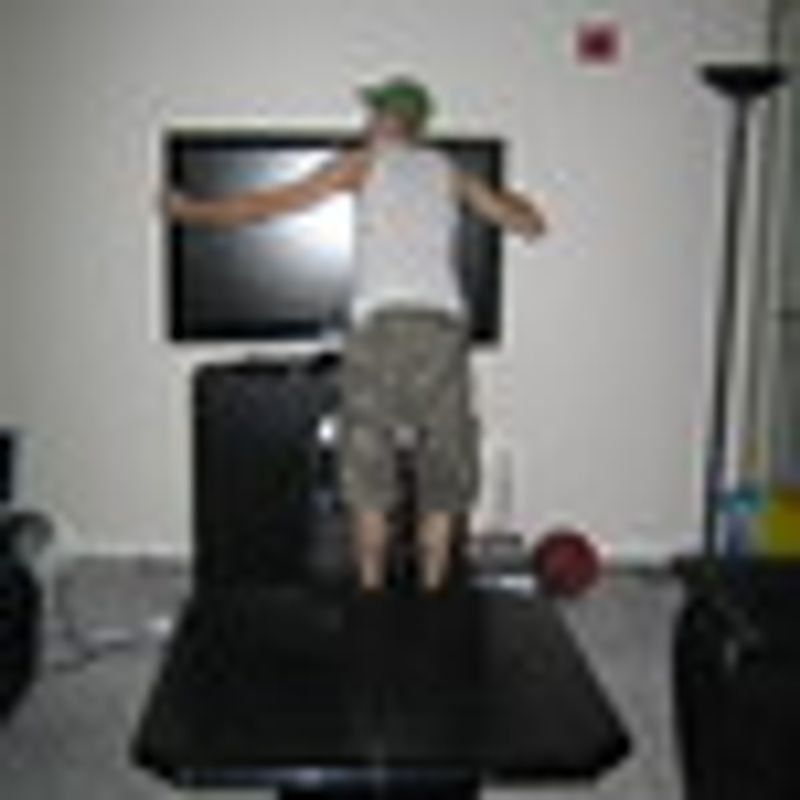
If we take a look at the square image of me hugging my new TV, we can see that it is 75x75. Now if we take a closer look at the filename 2543094667_2ddfec7c73_s.jpg, we see that there is a _s at the end. Let’s take a look at the other photo sizes there are:
The medium sized photo looks like a nice size to display. What if instead of linking the small square photos to their respective Flickr page, we open the medium sized photo in a lightbox.
Lightbox
The lightbox that I use is a hacked up version of the Facebox script. I modified it a little to use table-less markup and for the entire page to grey out. The lightbox is launched by setting the rel attribute equal to lightbox.
Another modification I would like to make is to enable the lightbox to work in sets. Kind of like the Lightbox 2 script, but that is for another day.
The reason I like the Facebox script is because you can also have inline content and content loaded via an AJAX call.
Tweaking the Flickr Markup
Since I do not want to modify the flickrRSS plugin to change the markup, I will just use jQuery to change the markup on body load.
So there are two things that I want to do:
- Add
rel="lightbox"to each link containing the Flickr photo - Change the
hrefto link to the medium image instead of linking to the Flickr page
The Code
First, let’s add the rel="lightbox" attribute to each of the links that are descendants of ul#flickr on body load:
$(document).ready(function() {$('ul#flickr a').each(function() {$(this).attr('rel','lightbox');});});
Next, let’s change the link to be the medium photo. We will do this by copying the source of the image, and then replacing _s.jpg with .jpg:
$(document).ready(function() {$('ul#flickr a').each(function() {$(this).attr('rel','lightbox');var imgSrc = $(this).children().attr('src');$(this).attr('href',imgSrc.replace('_s.jpg','.jpg'))});});
Next, we just initiate the lightbox script by targeting links that have a rel attribute of lightbox:
$(document).ready(function() {$('ul#flickr a').each(function() {$(this).attr('rel','lightbox');var imgSrc = $(this).children().attr('src');$(this).attr('href',imgSrc.replace('_s.jpg','.jpg'))});$('a[rel*=lightbox]').facebox();});
I have modified the first demo page to show this new functionality (although you can just look at my footer too).
It’s pretty cool how just a few lines of jQuery can drastically improve the user experience.